



🎸 Streamline Your Music Blog: Google Sheets Automation for Effortless Content
Struggling to keep your music blog consistently updated while managing your creative projects? Blog automation with Google Sheets is your answer. Imagine effortlessly generating content ideas, managing your editorial calendar, and even scheduling posts, all within a familiar spreadsheet. This article unveils how independent musicians and producers can leverage the power of Google Sheets to automate their blog, freeing up time to focus on what truly matters: your music. Discover a streamlined approach to content creation that boosts your online presence and engages your fanbase, without sacrificing your artistic energy.
The Symphony of Spreadsheets & Sound: Why Blog Automation Matters for Musicians

For independent musicians and producers, the creative process is inherently demanding. Time is a precious commodity, often stretched thin between songwriting, recording, performing, and the myriad tasks of self-management. In this landscape, content marketing, while vital for building a fanbase and career momentum, can feel like another instrument vying for attention in an already crowded ensemble. Blog automation emerges not as a disruptive cacophony, but as a harmonious arrangement, streamlining your workflow and amplifying your online presence without drowning out your artistic core.
The challenge for musicians isn’t a lack of stories or insights to share; it’s the consistent execution of content creation. Inspiration ebbs and flows, and the daily grind of crafting blog posts can quickly become a drain on creative energy better spent in the studio or on stage. Automation addresses this directly by establishing systems that maintain a steady stream of content, even when your schedule is packed or creativity is momentarily taking a breather. This consistency is paramount, not just for keeping your blog active, but for search engine optimization (SEO). Search engines favor regularly updated websites, boosting your visibility in search results and making it easier for potential fans to discover your music.
Furthermore, a vibrant blog fosters deeper fan engagement. Regular content provides more opportunities to connect with your audience beyond music releases. Sharing behind-the-scenes glimpses, tutorials, or reflections on the music industry builds a community and strengthens the bond with your listeners. Automation ensures this engagement is sustained, creating a reliable touchpoint with your fanbase. Google Sheets enters the scene as an accessible and surprisingly powerful tool for orchestrating this automation. Its user-friendly interface and no-code nature make it ideal for musicians who may not have technical expertise but are seeking efficient solutions. By leveraging Google Sheets, you can schedule posts, manage content calendars, and even automate aspects of content promotion, all within a familiar environment.
Ultimately, blog automation isn’t about replacing the human touch; it’s about liberating musicians from the repetitive tasks that detract from music creation. It’s about setting up systems that work in concert with your artistic endeavors, ensuring that your blog becomes a powerful tool for career growth, rather than a neglected obligation. By embracing automation, you conduct a symphony of spreadsheets and sound, where technology amplifies your voice and allows you to focus on what truly matters: making music.
Google Sheets as Your Music Blog Command Center: Setting Up Your Automation Hub

Think of Google Sheets as the mixing console for your music blog automation—simple to access yet incredibly powerful for orchestrating your content strategy. Setting up your automation hub in Google Sheets is the critical first step to reclaim your time and focus on creating music. This digital command center will be the single source of truth for all your blog activities, ensuring nothing falls through the cracks.
To begin constructing your hub, create a new Google Sheet titled something like ‘Music Blog Content Calendar.’ Now, let’s define the essential columns that will serve as the backbone of your streamlined workflow:
- Blog Post Title: The working title of your upcoming post. Be clear and concise. Example: ‘Unlocking Creative Songwriting with Odd Time Signatures’
- Target Keyword: The primary keyword you’re aiming to rank for with this post. Essential for SEO. Example: ‘odd time signatures songwriting’
- Content Brief: A short paragraph outlining the post’s main topics and angles. This keeps you focused. Example: ‘Explain what odd time signatures are, provide examples in popular music, and offer tips for musicians to experiment with them in their songwriting.’
- Chapter Prompts: Break down the content brief into specific chapter ideas or sections. Helpful for structured writing. Example: ‘Intro to Odd Time Signatures, Famous Songs in Odd Time Signatures, Tips for Writing in Odd Time Signatures, Conclusion.’
- Status: Track the progress of each post. Use a dropdown menu for easy updates: ‘Idea,’ ‘Drafting,’ ‘Editing,’ ‘Scheduled,’ ‘Published.’
- Publication Date: Set your target publish date to maintain a consistent posting schedule. Format as DD/MM/YYYY.
- Social Media Snippets: Draft engaging short texts to promote your post on social media platforms. Prepare these in advance. Example: ‘New blog post alert! 🚨 Dive into the world of odd time signatures and spice up your songwriting! #Songwriting #MusicTheory #OddTimeSignatures’
- Notes: A catch-all for any additional information, research links, or reminders related to the post.
Leverage Google Sheets’ built-in features to amplify your organization. Data validation is perfect for the ‘Status’ column, allowing you to create a dropdown list of predefined statuses, ensuring consistency. Conditional formatting can visually highlight posts based on their status or publication date—for instance, coloring posts ‘Scheduled’ in green or flagging overdue ‘Drafting’ posts in red. Filters become invaluable as your content library grows; quickly filter by ‘Status’ to see all posts in ‘Drafting’ or by ‘Publication Date’ to view the upcoming month’s schedule.
Consider these adaptable template examples for structuring your sheet:
- Simple List Template: Basic columns as described above, ideal for a straightforward content calendar.
- Detailed Workflow Template: Expands on the simple template with columns for ‘Author,’ ‘Editor,’ ‘Images Needed,’ and ‘Promotion Checklist’ for larger teams or more complex workflows. You might find inspiration by exploring resources on digital marketing strategy to further refine this template according to your specific needs.
Google Sheets’ beauty lies in its user-friendliness and accessibility. It’s a familiar tool for most, requiring no specialized software, and accessible from any device with an internet connection. This central hub approach ensures you, the musician, can manage your blog content efficiently, freeing you to get back to what truly matters—creating and sharing your music.
Harmonizing Content Ideas with Google Sheets Spreadsheets: Brainstorming and Planning
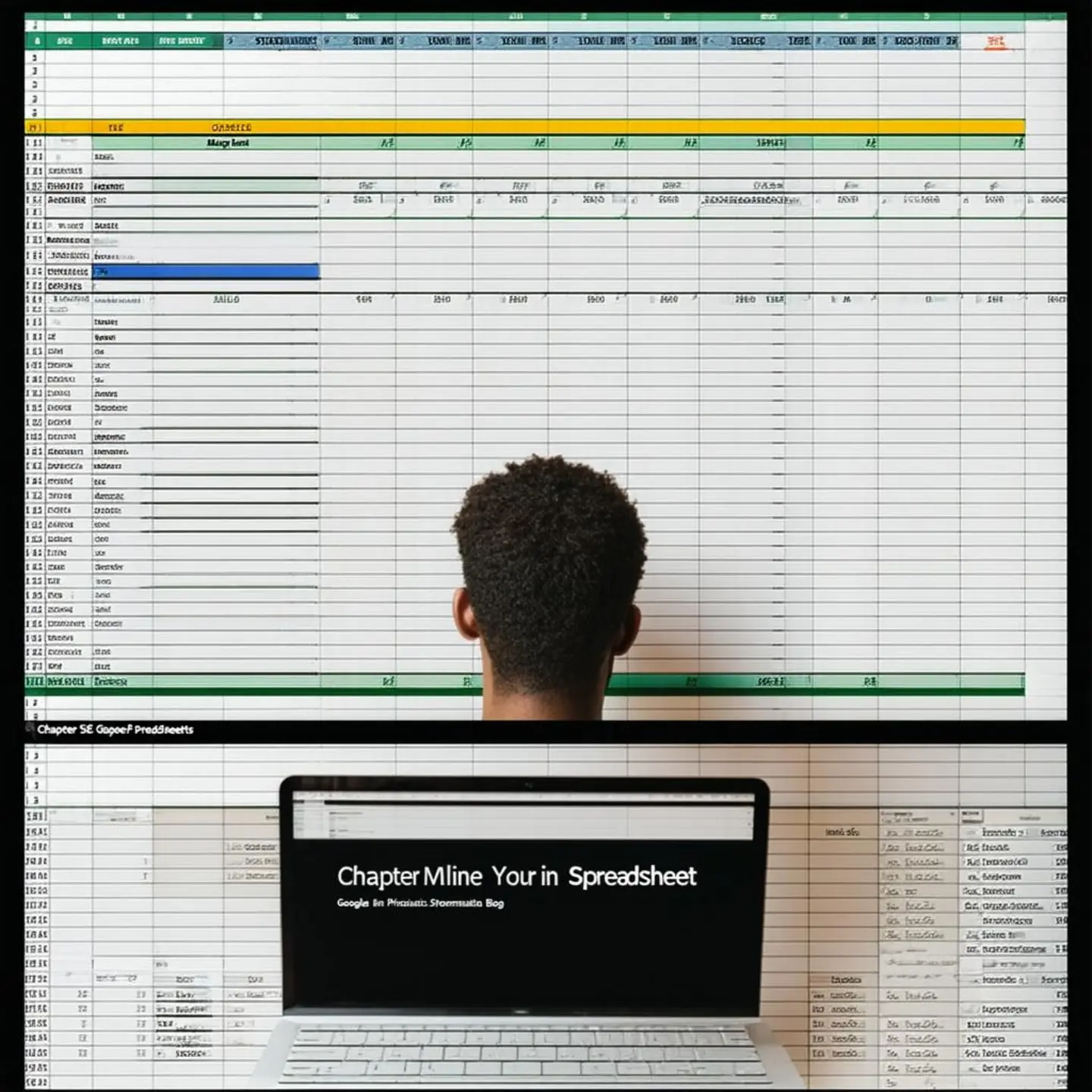
Content planning is the bedrock of a successful music blog, and for independent musicians juggling creation with promotion, efficiency is key. Google Sheets, a familiar and accessible tool, transforms from a simple spreadsheet into a powerful command center for your content strategy. Let’s explore how to harness its capabilities for brainstorming and planning your music blog content.
Start by setting up your Google Sheet as your content idea hub. Create columns that reflect the core elements of your content strategy. Consider these essential columns:
- Content Idea: The raw concept for your blog post (e.g., “Guitar Pedal Review”).
- Content Pillar: The overarching theme this idea aligns with (e.g., “Gear Reviews,” “Music Production Tips,” “Artist Interviews”). Content pillars provide topical focus and help organize your blog around key themes.
- Target Audience Segment: Who are you trying to reach? (e.g., “Beginner Guitarists,” “Electronic Music Producers,” “Industry Bloggers”). Segmenting audiences ensures your content resonates.
- Content Format: How will this idea be presented? (e.g., “Tutorial,” “Interview,” “Review,” “Listicle,” “Behind-the-Scenes”). Varying formats keeps your blog engaging.
- Keywords: Research relevant keywords to improve SEO and discoverability. Within Google Sheets, you can use simple formulas to integrate with keyword research tools or even basic functions to count keyword occurrences in potential titles and descriptions.
- Status: Track the stage of each idea (e.g., “Idea Backlog,” “In Progress,” “Published,” “Scheduled”). This provides an overview of your content pipeline.
- Notes/Resources: Space for links, research snippets, or specific details related to the idea.
Keyword Research Integration: While Google Sheets isn’t a dedicated keyword research tool, you can integrate it effectively. For instance, use the =IMPORTDATA() function to pull data from free keyword suggestion sites or manually input keyword data from your research. Create columns for search volume, keyword difficulty (if available), and related keywords. This basic keyword integration helps ensure your brainstormed ideas are grounded in search trends and audience interest.
Categorization and Tagging for Clarity: Utilize columns to categorize and tag your ideas. For example, you might have categories like “Songwriting,” “Music Marketing,” or “Live Performance.” Tags could be more granular, like “Music Theory,” “Social Media Strategy,” or “Stage Presence.” Effective categorization and tagging, directly within your sheet, make filtering and sorting a breeze, especially when you begin populating your content calendar. Imagine filtering for all “Tutorial” format content ideas within the “Music Production Tips” pillar – Google Sheets makes this instant.
Generating Content Clusters: Google Sheets facilitates the creation of content clusters. Group related ideas around core musical themes. For example, under the theme “Home Recording,” you could cluster ideas like “Best Budget Mics for Vocals,” “Setting up Your Home Studio Acoustics,” and “Mixing Vocals in Your Bedroom.” These clusters ensure topical depth and cater to user search intent comprehensively. By visually grouping these in your sheet, you can easily identify gaps and opportunities to expand on a particular subject.
Building a Content Backlog and Banishing Creative Blocks: Treat your Google Sheet as a living document. Continuously add ideas as they come to you – even if they are rough. This builds a robust content backlog, your secret weapon against creative blocks. When you’re ready to create, you won’t be staring at a blank page; instead, you’ll have a curated list of ideas, ready to be developed. Regular brainstorming sessions, documented directly in your sheet, ensure a constant influx of fresh concepts.
By leveraging Google Sheets, you transform content brainstorming and planning from a scattered process into a structured, efficient workflow. This spreadsheet becomes more than just data; it becomes your strategic roadmap to consistent, engaging content for your music blog, setting the stage for effective content creation discussed in the next chapter.
Automated Melodies: Integrating Google Sheets with Content Creation Tools for Efficiency
Integrating Google Sheets with your content creation toolkit unlocks a new level of efficiency. For music bloggers juggling numerous tasks, automation is not just a luxury—it’s essential. By strategically connecting Google Sheets with various platforms, you can streamline workflows, reduce repetitive manual tasks, and free up valuable time for the core creative aspects of your blog.
One powerful approach is leveraging Google Apps Script. This platform allows you to write custom scripts directly within Google Sheets to automate tasks based on your spreadsheet data. Imagine setting up scripts to automatically generate content briefs. Input topic ideas, target keywords, and desired post structure into your sheet, and a script can format this information into a structured brief document, ready for writing. Similarly, for blogs that utilize templates for recurring content formats like artist spotlights or track reviews, Apps Script can populate these templates automatically. Define your template in a Google Doc, and then use script to pull data from your sheet—artist names, song titles, release dates—and populate the relevant sections, dramatically reducing manual entry.
Beyond in-sheet scripting, no-code automation platforms such as Zapier or IFTTT provide bridges to connect Google Sheets with a vast ecosystem of applications. Want to automatically publish a social media snippet each time you update your blog’s content calendar in Google Sheets? Platforms like Zapier make this seamless. You can trigger actions in WordPress, Buffer, or other platforms directly from sheet updates. For example, upon adding a new blog post title and excerpt to your sheet, a Zapier automation can instantly draft a social media post announcing the new content, complete with a link back to your blog.
Consider automating the drafting of blog post introductions. By structuring your sheet with columns for keywords, artist names, song titles, and the core theme of a post, you can create automated workflows that generate introductory paragraphs. While AI writing tools can assist with more complex generation, even simple scripts can pull these data points and combine them with pre-written sentence structures to create unique and engaging introductions, saving significant time typically spent on crafting initial drafts. Furthermore, managing deadlines becomes less stressful. Connect time-driven triggers in Zapier with your Google Sheet content calendar; receive automated notifications via email or Slack reminding you of upcoming content deadlines, ensuring consistent posting schedules without constant manual oversight.
By embracing these integrations, musicians and producers can transform their content creation process. Manual data management, content brief creation, and social media updates, which once consumed hours, become background operations. This shift allows bloggers to refocus on creating high-quality content, engaging with their audience, and further developing their musical brand. Explore further strategies for consistent content creation. In essence, integrating Google Sheets is about working smarter, not harder, in the dynamic world of music blogging.
Final words
Blog automation using Google Sheets offers a powerful and accessible solution for independent musicians and producers striving to maintain a consistent online presence. By leveraging the familiar interface of spreadsheets, you can streamline content creation, save valuable time, and focus on your musical passion. From brainstorming ideas and managing your editorial calendar to optimizing for SEO and scheduling promotions, Google Sheets can become the command center of your music blog strategy. Embrace automation and transform your blog from a source of stress into a source of connection and growth for your music career. Start building your automated music blog today and unlock more time for your music.
Start Monetizing Your Music Today!
Learn more: https://stevenlegacymusic.com
About us
Steven Legacy Music – Music Marketing and Monetization Services for Independent Musicians.